Turn “Can I pick your brain?” into a client.


Where clients find you, hire you, work with you and pay you — on your own domain, under your own name.
Your clients come for you, not for a company. Open your kind of work below.


At every step of your work, ask it like a partner, in your own words. It plans, drafts and fills in. Nothing goes out without your yes.
“Write my site from my bio.”
How it works
Six steps, one place, your name on every one. Pick a step to see it.
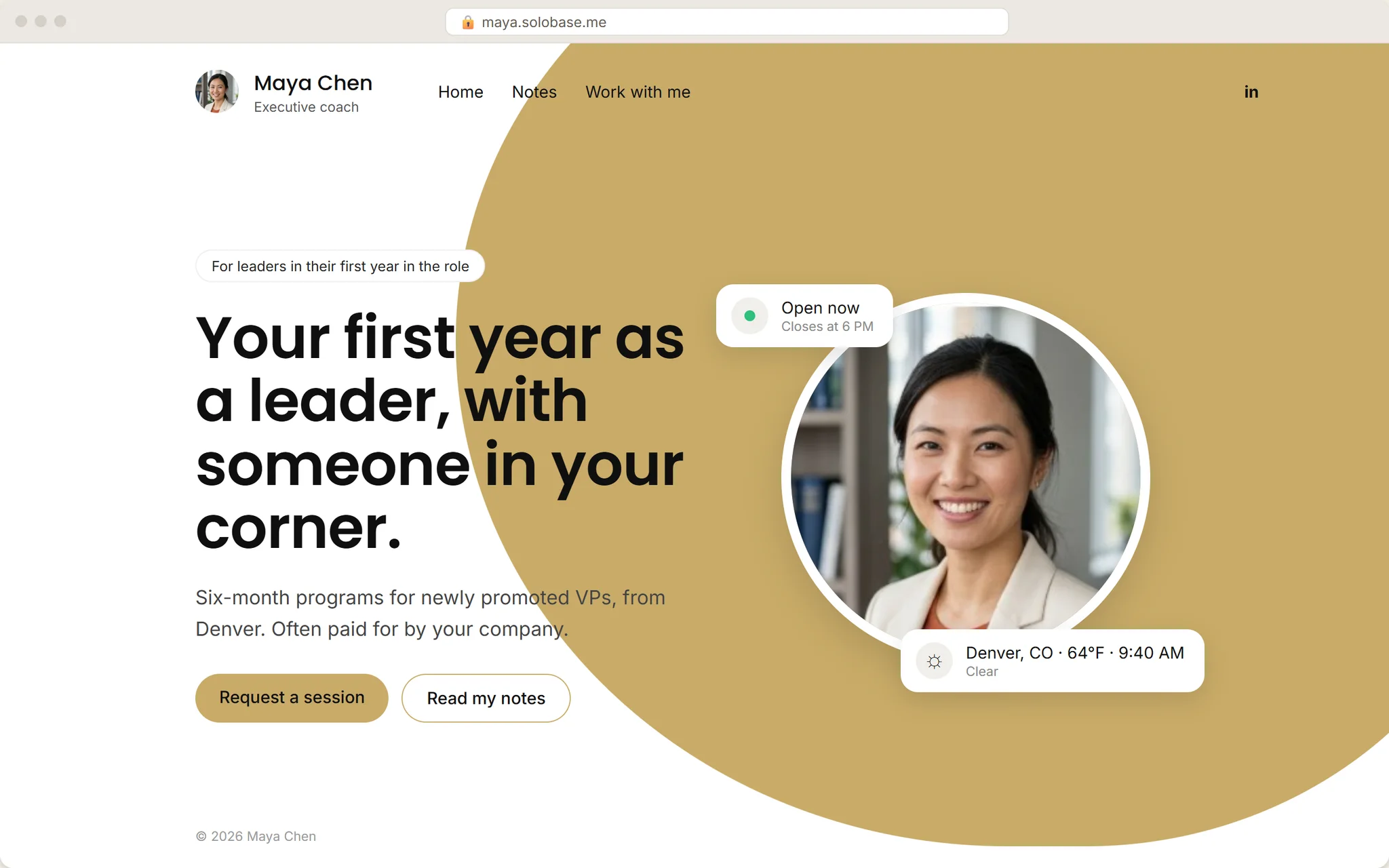
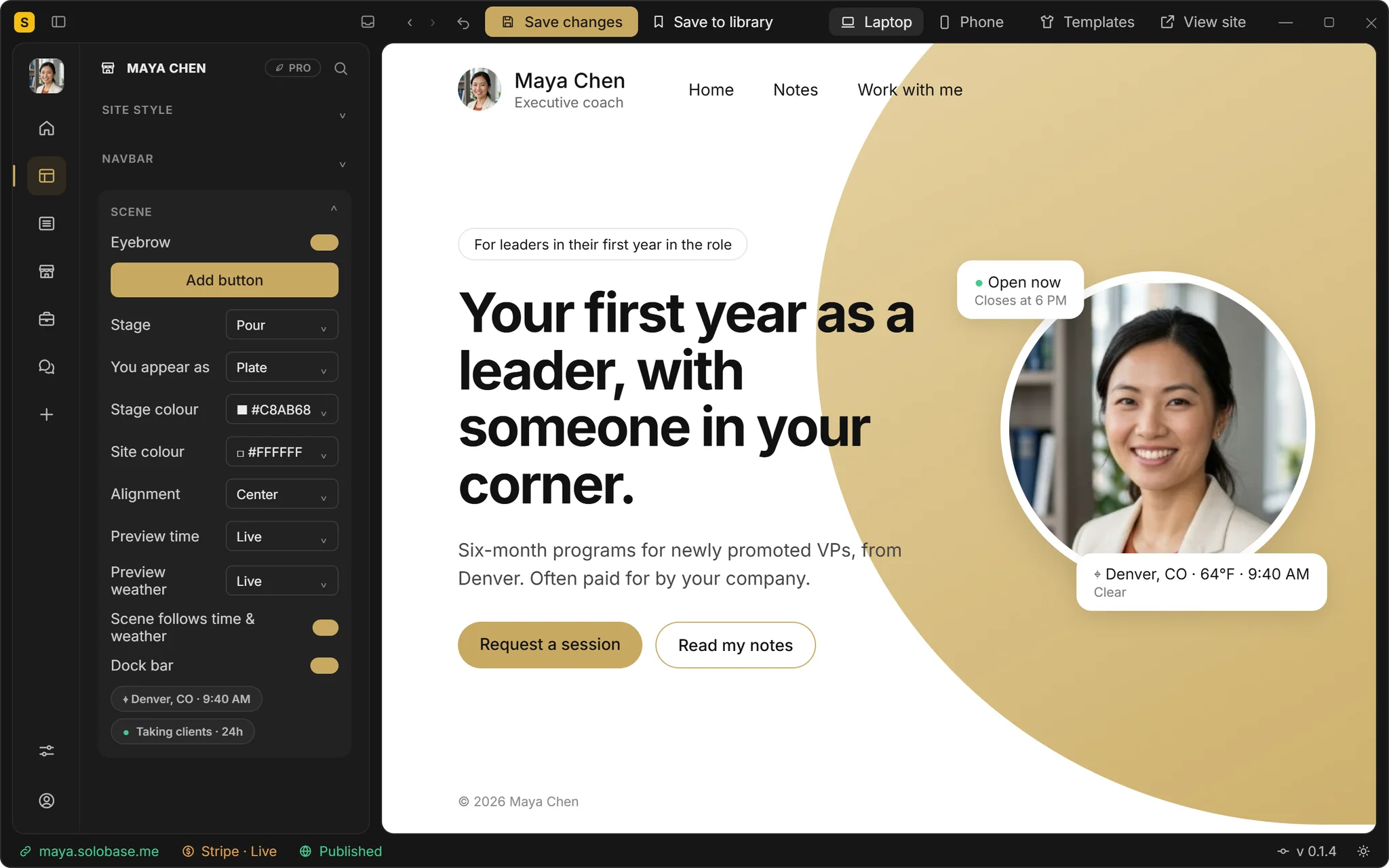
Maya Chen
Executive coach
Denver, CO · 64°F · 9:40 AM
Your headquarters
Each one works on its own. Together they are where your clients come to you: what you publish, what you sell, the work and the payment.
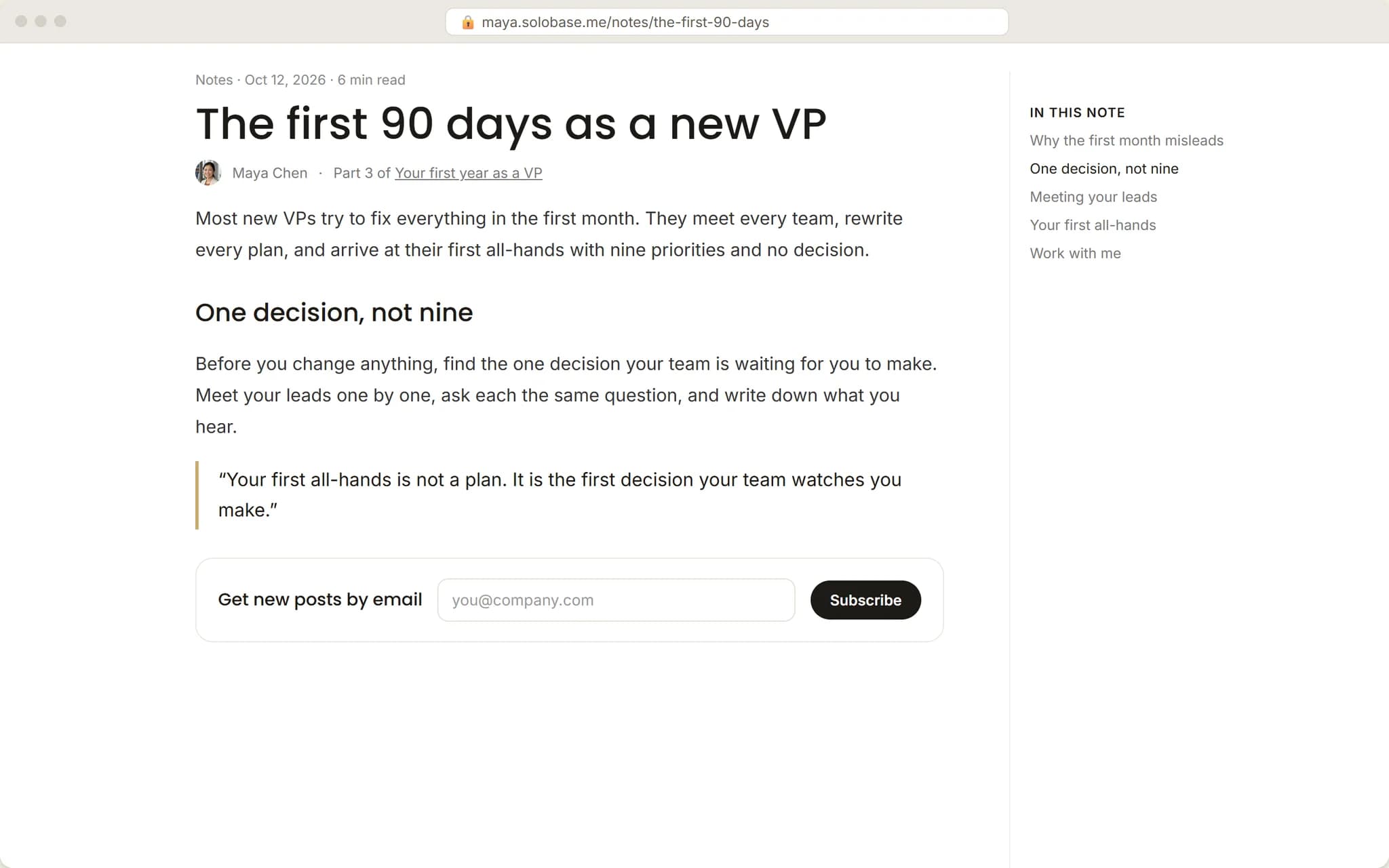
Your own site, under your name: what you do, whether you are taking clients, and one way to start.
Your own domain on Pro, a free address on every plan
Your status, reply window, local hour and weather
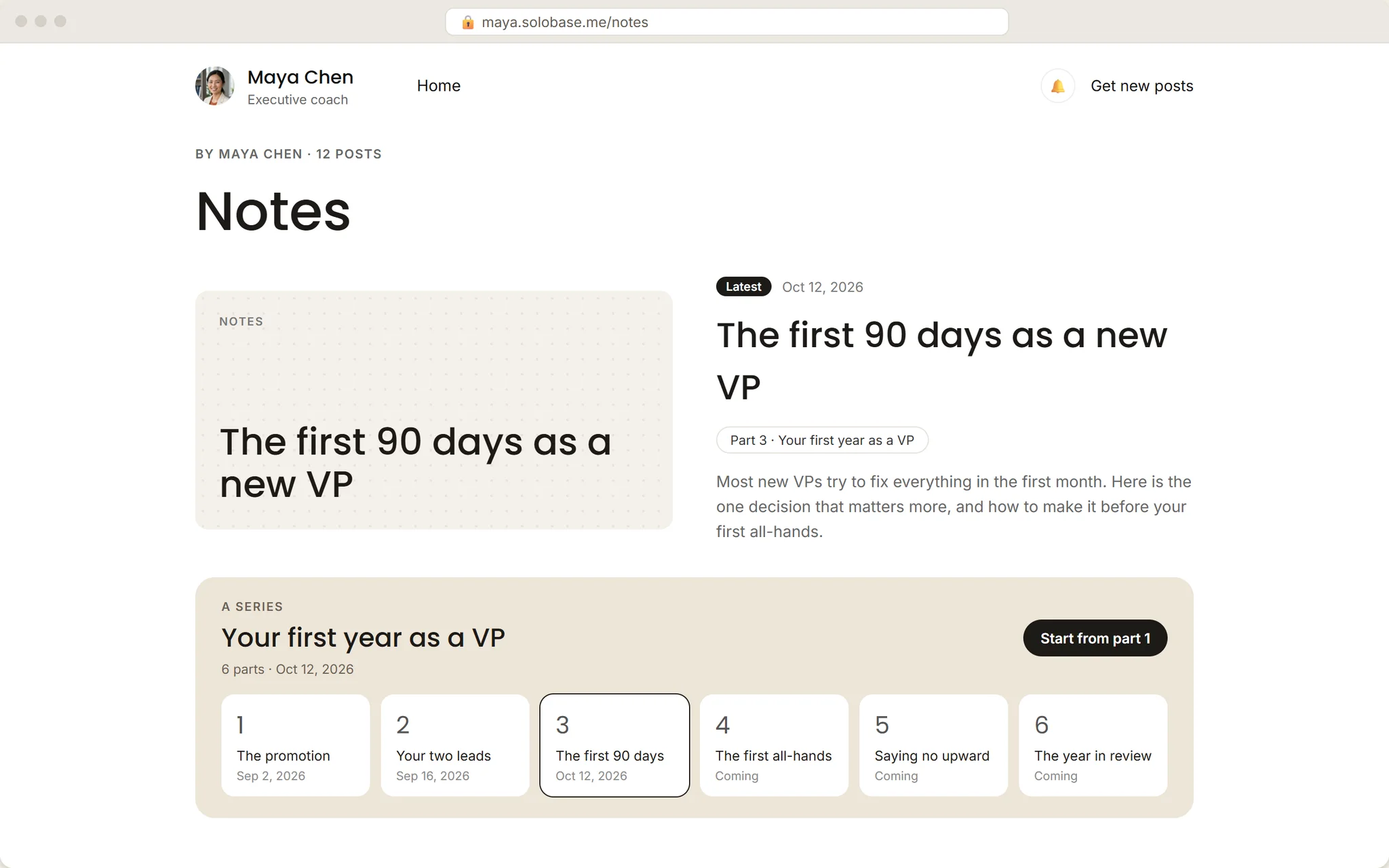
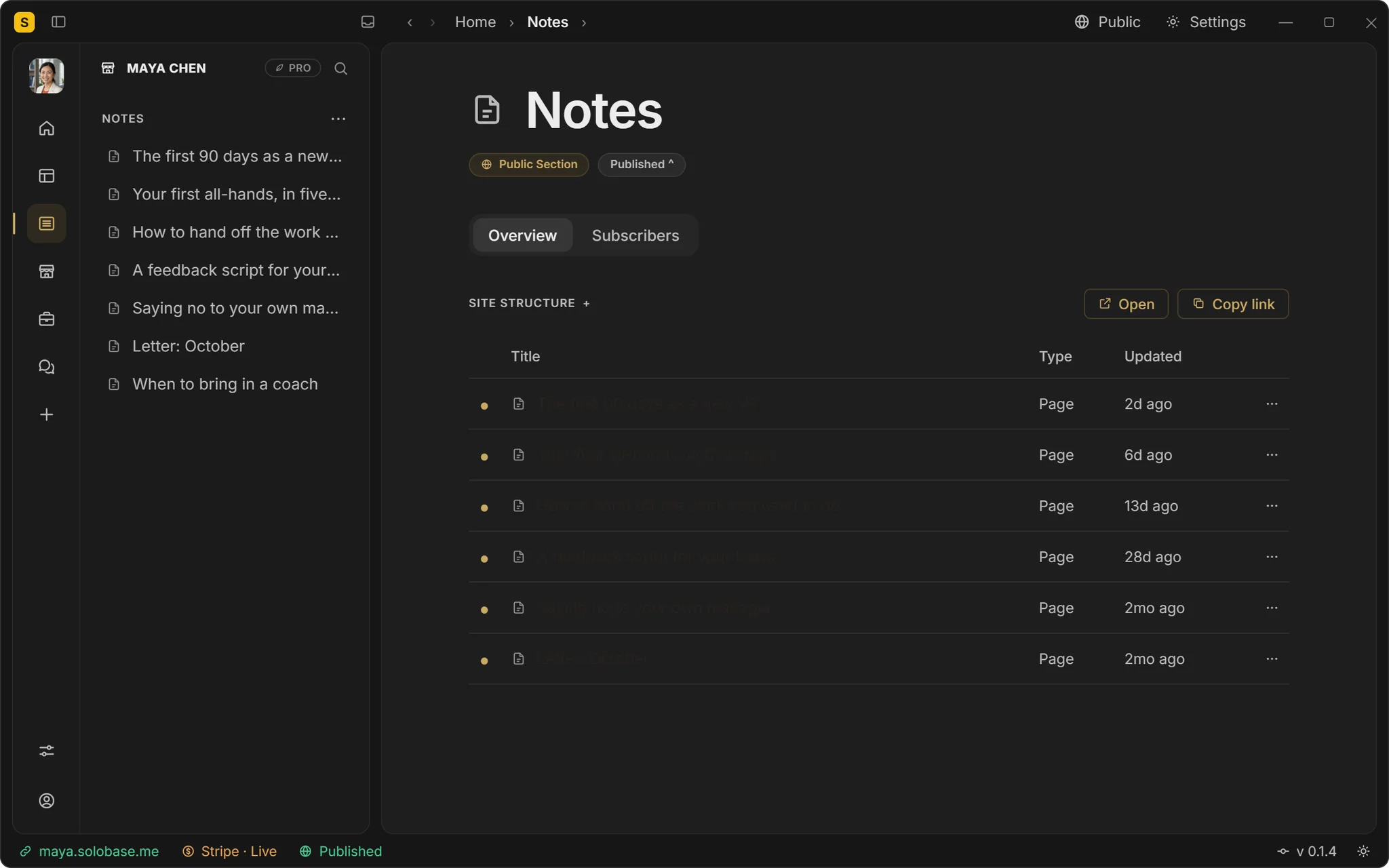
Your guides and services on the same domain

Solutions
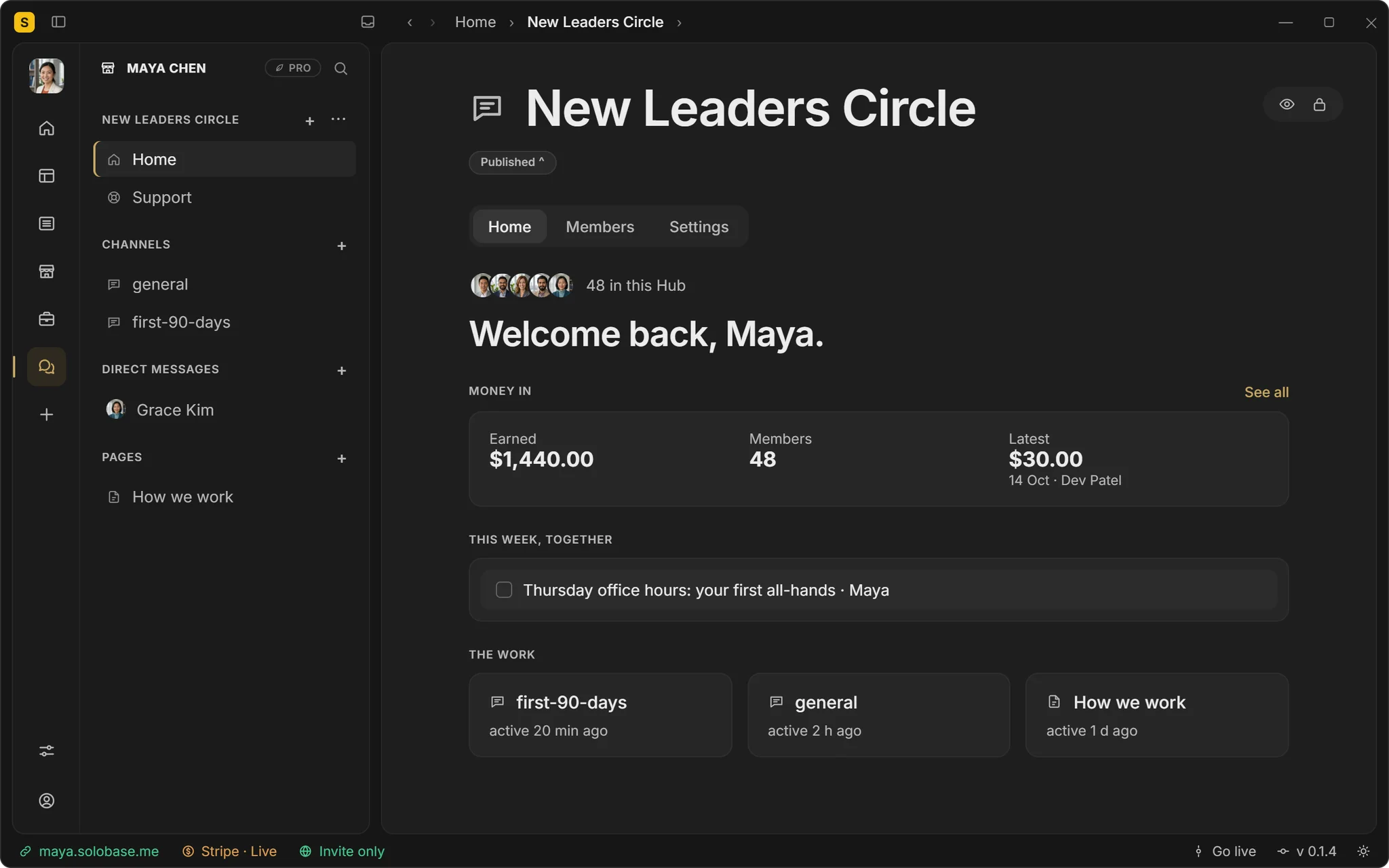
Same Studio, put together for the way you work: one client at a time, the many who read you, or a group you lead.
One client at a time
The many who read you
A group you lead
Consultants, fractional executives, designers, developers
They ask
“Start a project” on your Service Hub, with your questions answered up front.
They sign and pay
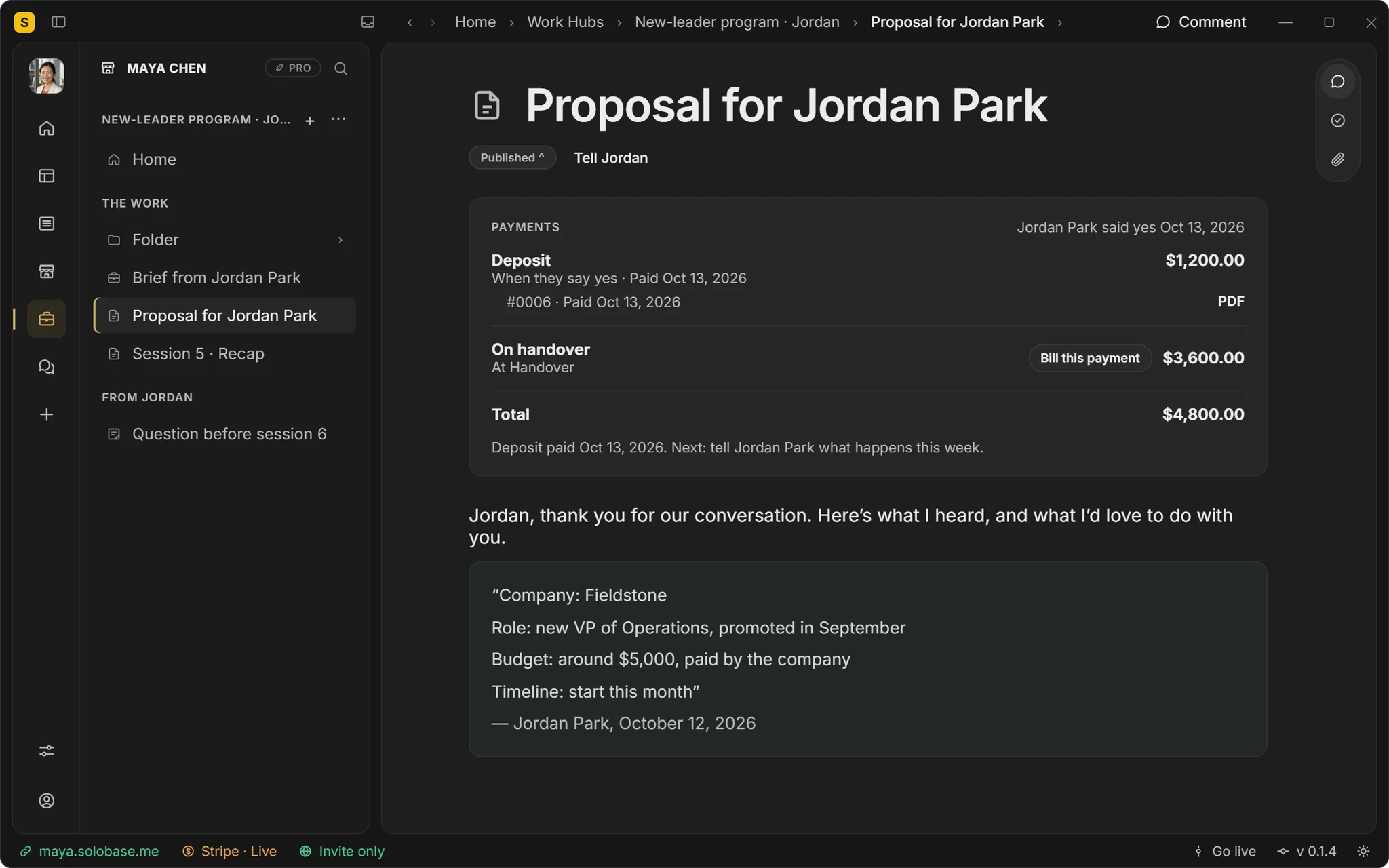
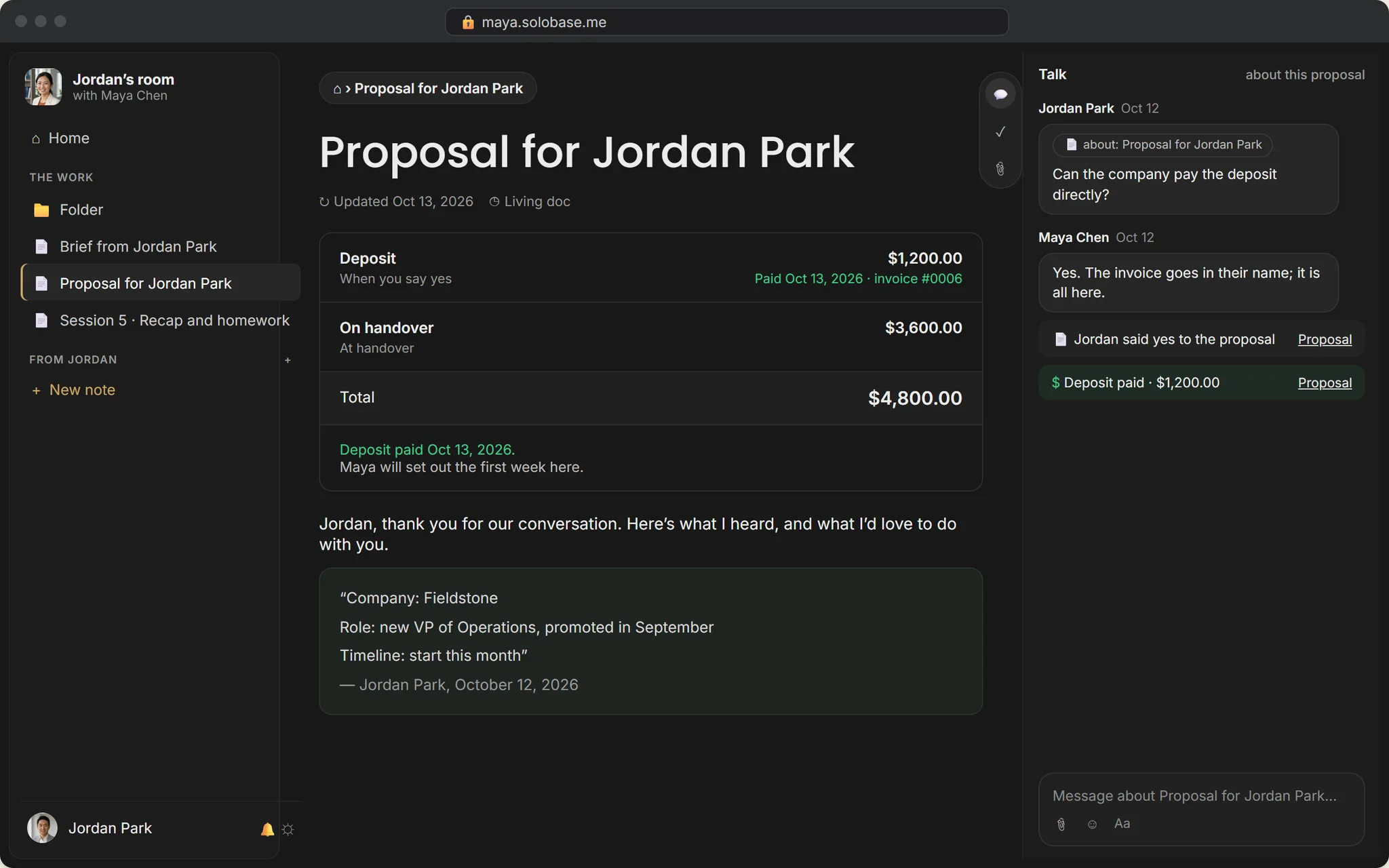
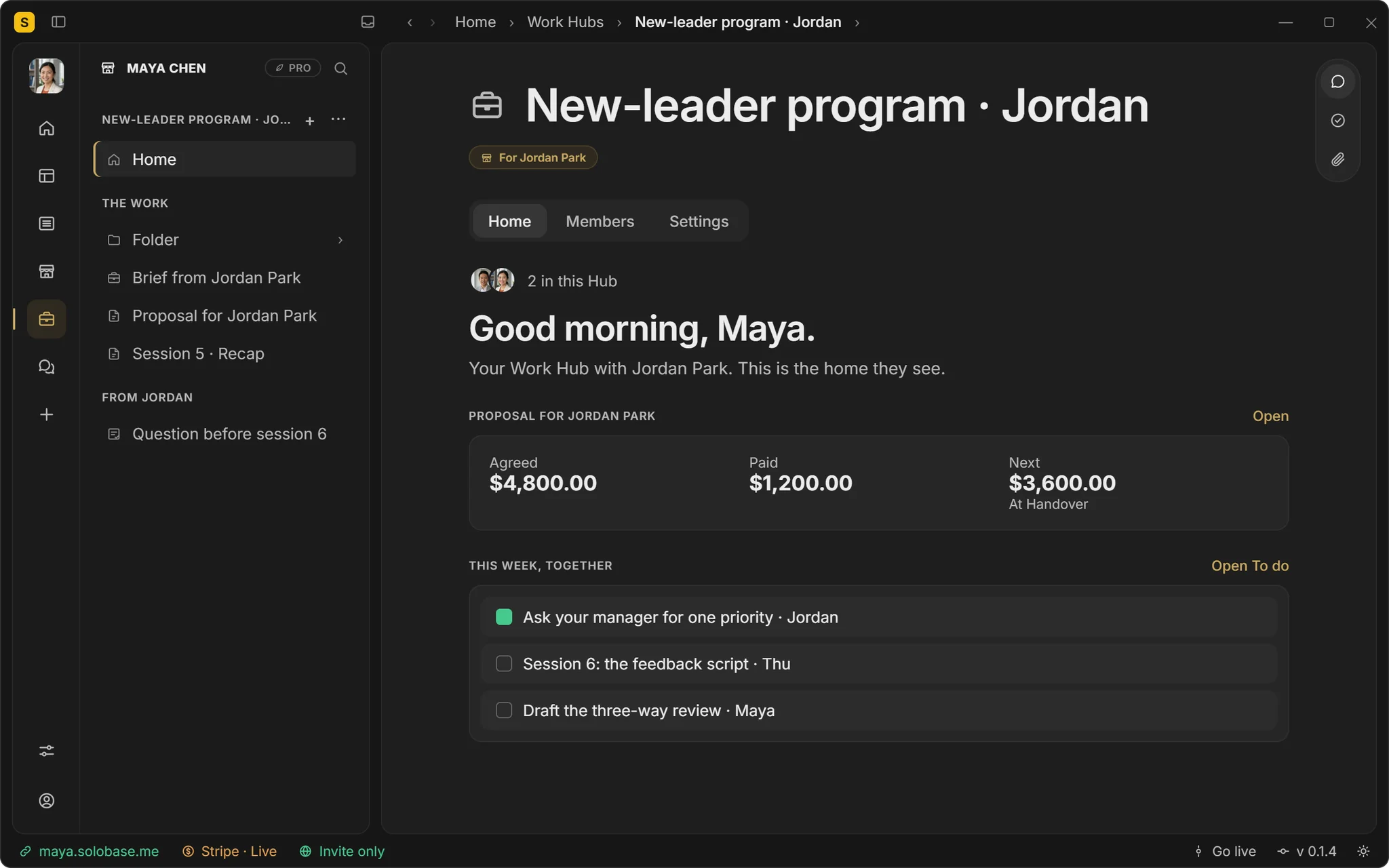
Accept opens their Client Hub with a proposal; they sign by typing their name and pay the deposit.
You do the work
Notes, Talk and This week in one place; numbered invoices when it is time.
New: monthly dues for your Community Hub.
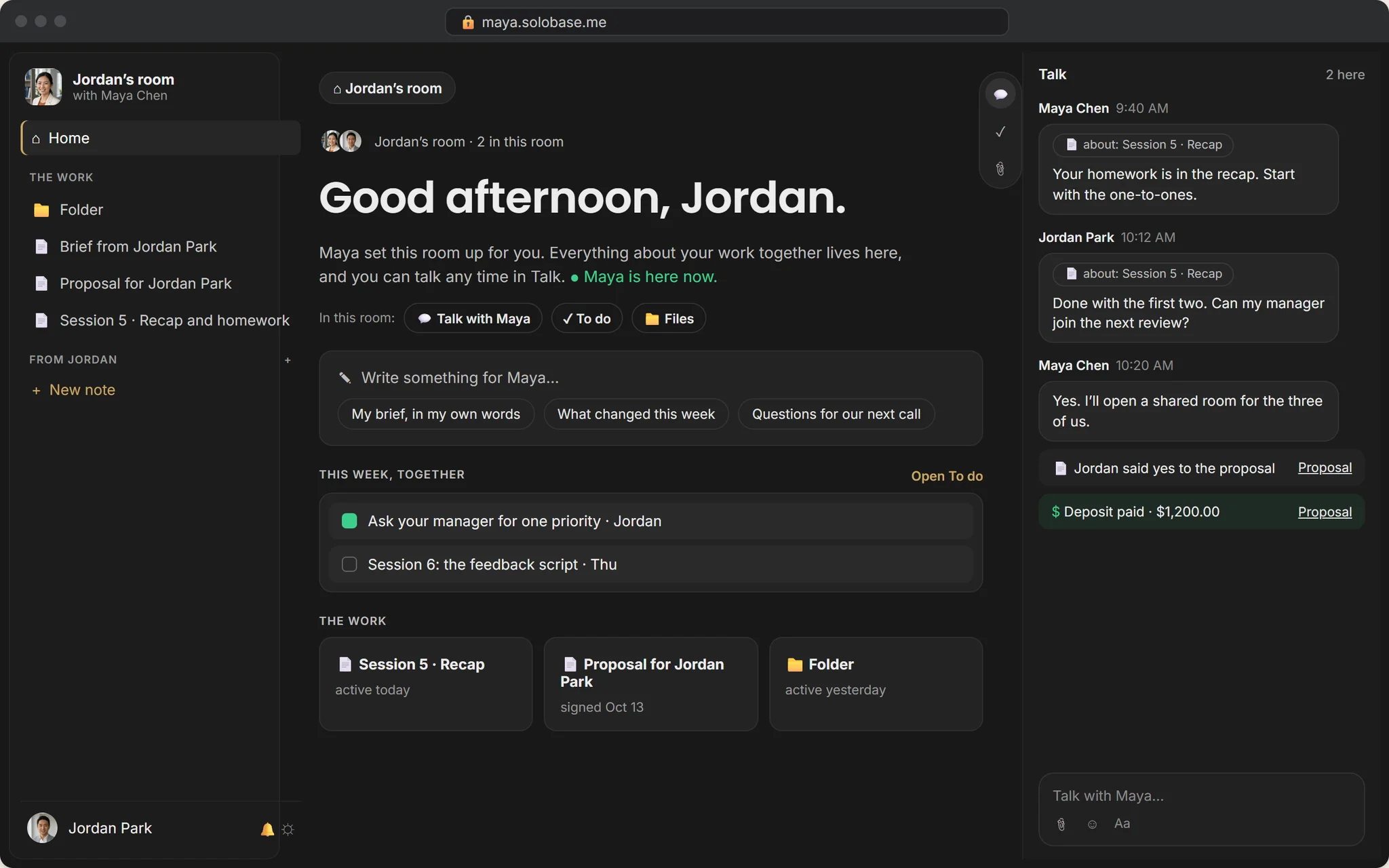
What your clients see
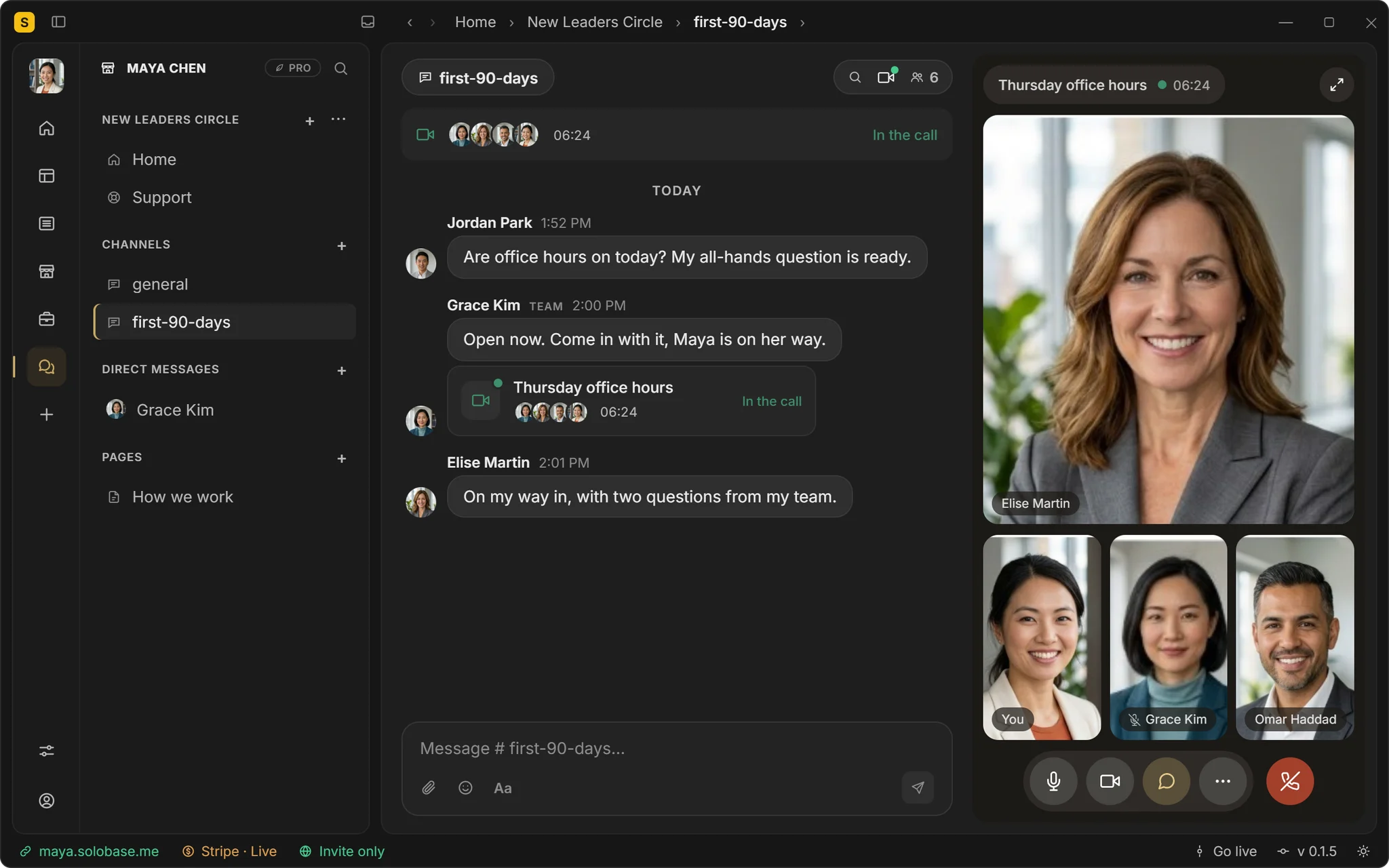
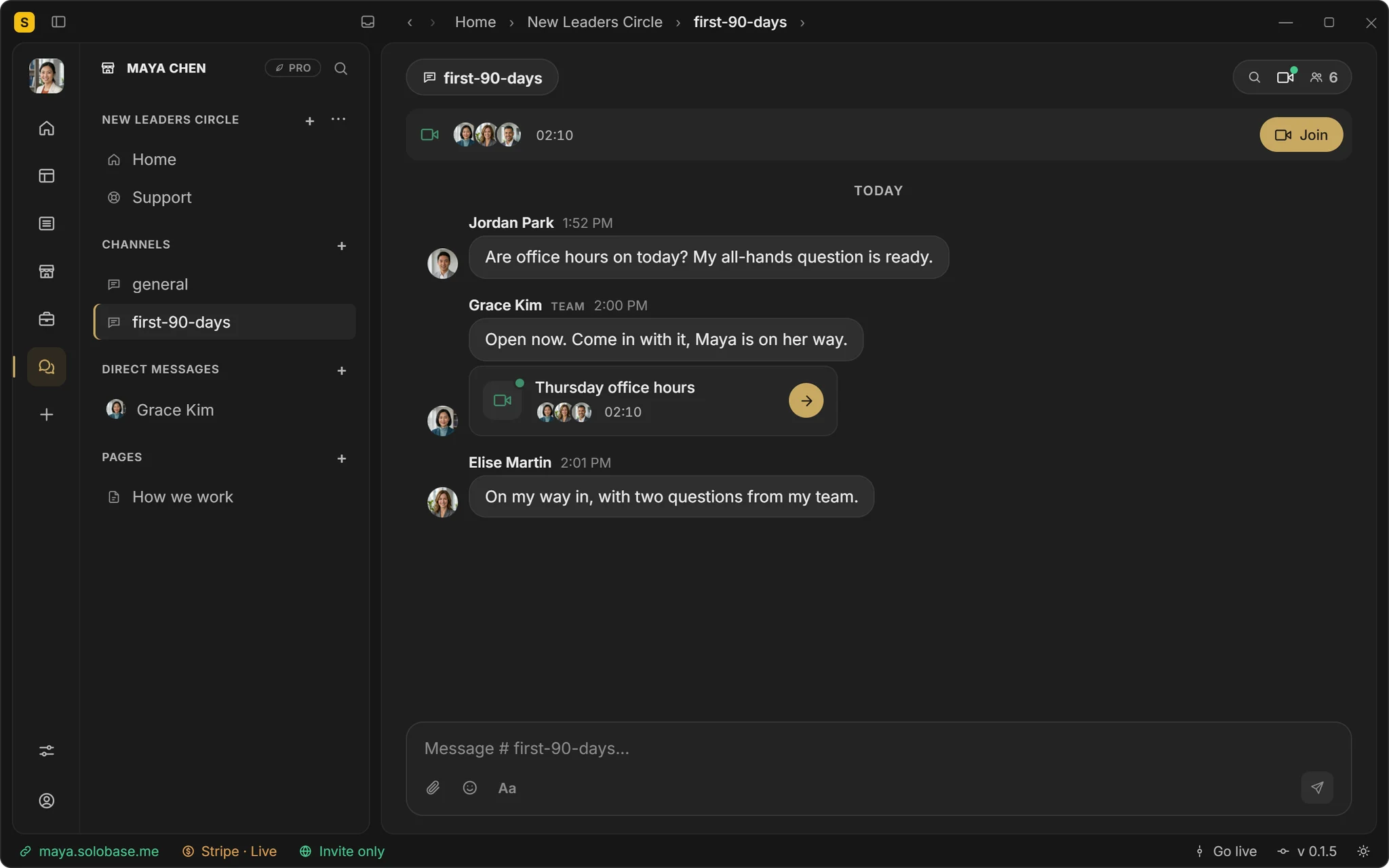
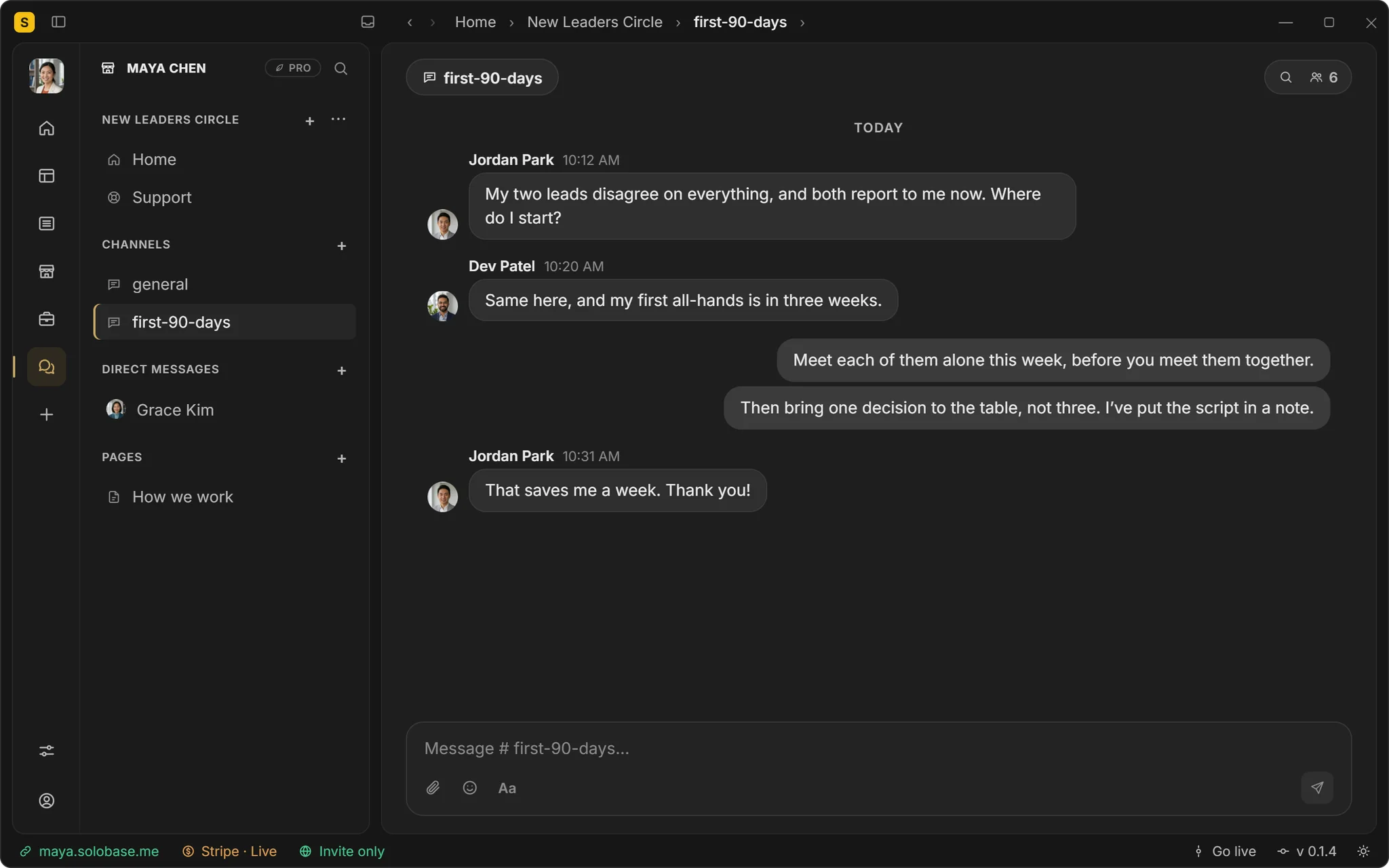
A chat server
where your community talks
A client portal
where each client works
A shared folder
where files are sent
An e-signature tool
where they sign
An invoicing app
where they pay
A help desk
where customers ask
A newsletter tool
where readers subscribe
A sales page
where they choose a service
Your Studio
Your site, guides, services, Client Hubs, Community Hub, support and payments, at your address and under your name.
The SoloBase app
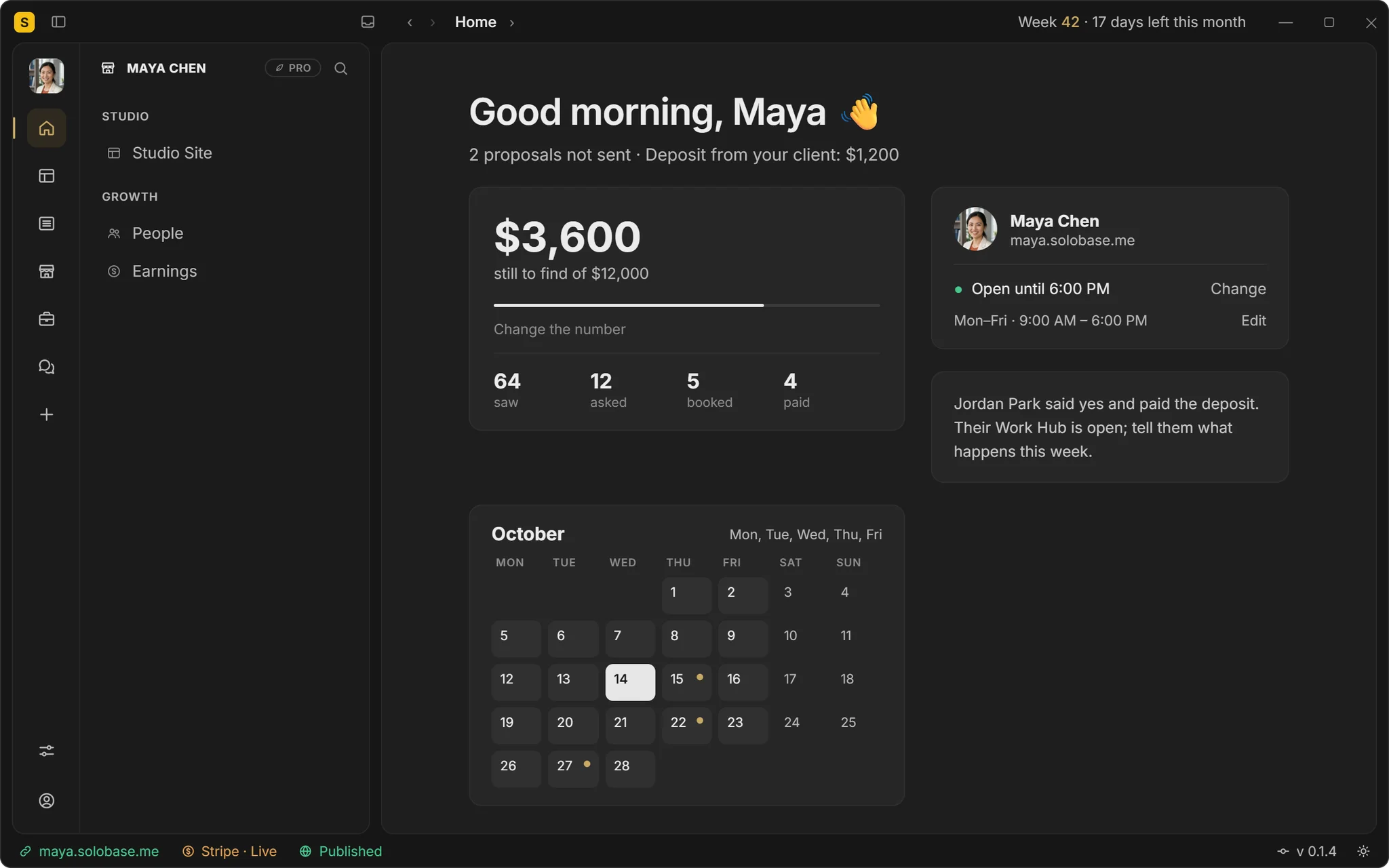
Every morning: what is still to find this month, who looked, who asked and who paid, and your calendar beside it. On Windows today, with Mac coming soon.
Get it from
Microsoft
Coming soon to the
Mac App Store
No. Not on any plan. Your clients pay your own Stripe account; Stripe's standard processing fees apply, ours are zero.
Yes. Invite them to a client’s Client Hub, where they work with the client and never see the money, or into your Community Hub, with channels and direct messages.
Yes. A paid Community Hub or paid channels, paid to your own Stripe, as one payment or monthly dues.
Yes. Paste one line on your site or app, and their questions land in your Community Hub’s Support.
No. A link-in-bio sends people elsewhere. Your Studio takes the next step itself: the inquiry, the Client Hub, the payment.
You and your client: the Client Hub opened when you accept their inquiry holds the two of you. When more people belong in the work, invite them into the same Client Hub.
Yes. It is the part your client opens: their inquiry, the notes and files, and the questions on each note, under your name.
Profiles show you. SoloBase works for you.
Win the client. Do the work. Get paid.All under your own name.
Start your studio →Free until you’ve earned $1,000 through SoloBase. 0% of your payments, always. See pricing →